
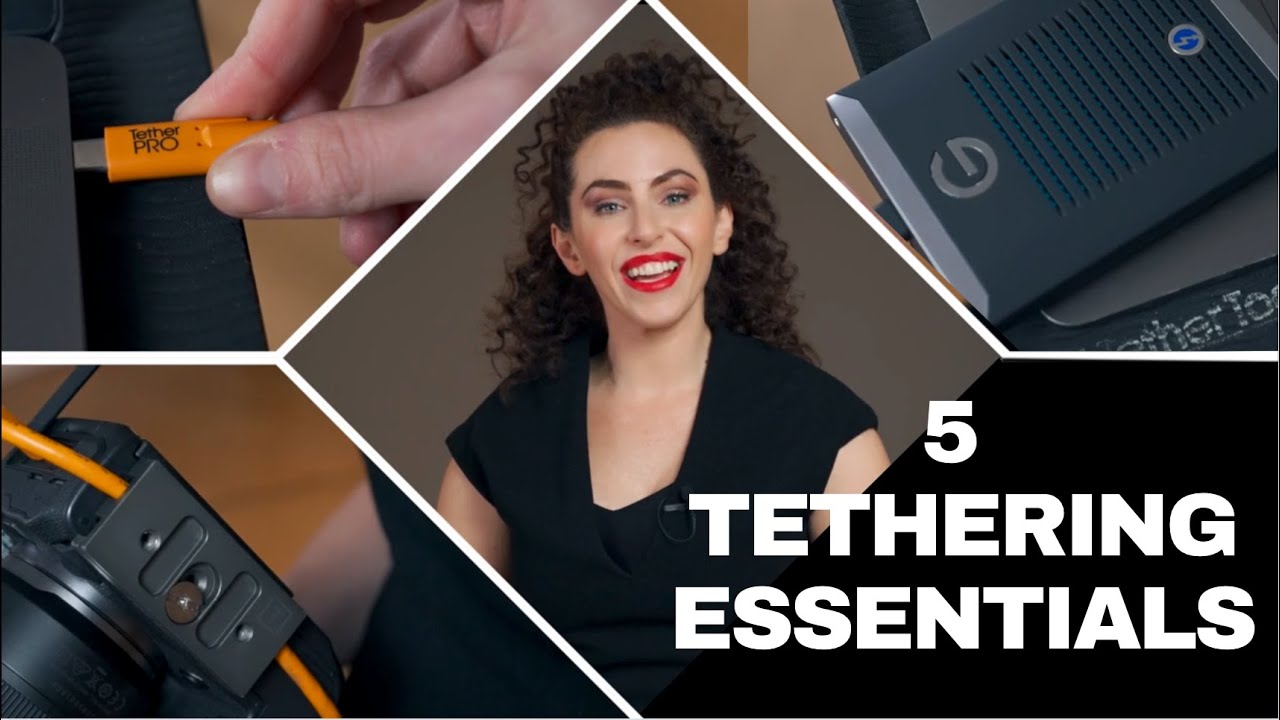
If you’re serious about studio photography or on-location shoots, understanding the Tethering Essentials can completely change your workflow. Tethering allows you to connect your camera directly to your computer, view images instantly, and make adjustments in real-time. Below is a list of the key tools every photographer should have for a reliable tethered setup.
Let’s take a look at what Lindsay has to say:
1. Tether Cable
The tether cable is the heart of any tethering setup. It connects your camera directly to your computer, allowing instant image transfer while you shoot. When choosing a tether cable, ensure it’s compatible with your specific camera and computer system.
For example, professional photographer Lindsay uses a Canon R5 and a MacBook Pro, so she relies on a USB-C to USB-C Tether Tools TetherPro Cable — one of the most trusted cables in the industry.
Tip: A right-angle tether cable provides a more secure and stable connection during your shoot.
2. TetherBlock
A TetherBlock is another must-have in your list of Tethering Essentials. It secures your tether cable to the bottom of your camera, preventing it from wiggling loose or disconnecting mid-shoot. This not only keeps your connection stable but also protects your camera’s port from accidental damage – a small investment that saves big repairs down the line.
3. Tether Table
When shooting tethered, you’ll need a dedicated surface for your laptop or computer. While a regular table works, a Tether Tools Aero Table is designed specifically for photographers. It’s lightweight, portable, and can be attached to a rolling stand for mobility.
The grippy surface ensures your computer stays secure during busy shoots — a practical addition to any tethering setup.
4. Tethering Software
No list of Tethering Essentials is complete without reliable tethering software. You’ll need a program that supports live image capture and review. Popular options include Adobe Lightroom, Capture One, or software specific to your camera brand.
These programs make it easy to organize, edit, and back up images as you shoot, streamlining your post-production process.
5. External Hard Drive (SSD)
Backing up your files in real-time is crucial. A solid-state drive (SSD), like the SanDisk Pro, is ideal for tethering because it’s fast, compact, and durable. Unlike traditional hard drives, SSDs have no moving parts — meaning they’re far less likely to fail if dropped or bumped during a session.
Having a reliable backup solution ensures your images remain safe and secure throughout your shoot.
Final Thoughts
Mastering these tethering essentials will not only make your workflow smoother but also help you shoot with confidence and consistency. With the right tether cable, TetherBlock, Tether Table, software, and SSD, you’ll have a professional tethering setup ready for any photography session.
-
 Tether Tools TetherPro USB-C to USB-CR1,095.00
 -
 Canon EOS R5 Mirrorless Digital Camera with 24-105mm f/4L LensR91,595.00
 -
 SAVAGE PAPER : 56 FASHION GRAY (Select)From: R2,195.00
 -
 Tether Tools TetherBlock (Select)R1,995.00
 -
 Tether Tools Aero Standard Table (45 x 40cm)R2,995.00
 -
 Canon EOS R5 Mirrorless Camera (Body)Product on saleOriginal price was: R71,395.00.R49,495.00Current price is: R49,495.00.